
Your Phone Is Secretly Making You A Better Photographer (and You Didn't Even Notice)
- Apr 7
- 7 min read
by Vivienne Westwood

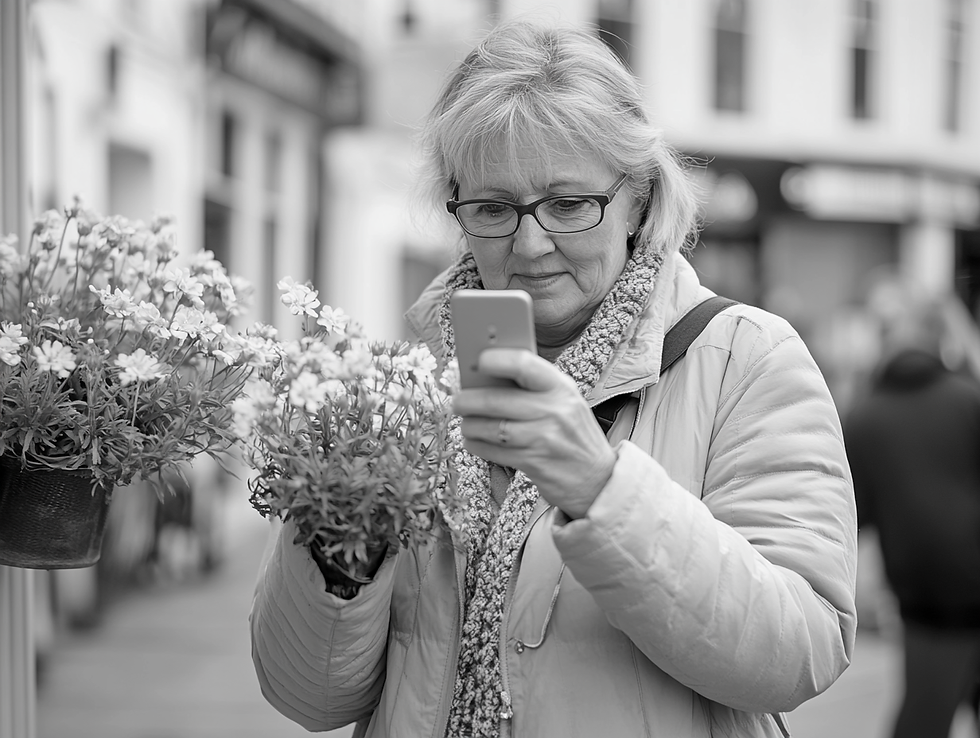
Sarah took a photo on Peverell Avenue last week.
It was a lovely spring day, the flowers blooming and the sky was that lovely Dorset blue. She pointed her iPhone at the scene and pressed the button. The photo looked... perfect. Clear. Well-lit. Colours vibrant, the background was slightly blurred to make the flowers really stand out.
"I'm getting better at this," she thought.
Then her grandson visited. Tech-savvy 16-year-old.
"Nice photo, Gran. Did you use Portrait mode?"
"I just pointed and clicked," Sarah said.
"Right," he laughed. "But your phone took about 12 different photos at the same time, combined them, adjusted the lighting, sharpened the flowers, blurred the background, and did some colour correction. You didn't take one photo. The AI did."
Sarah looked at her phone differently after that. She wasn't getting better at photography. Her phone was getting better at making her LOOK like a better photographer.

Let's talk about what's actually happening when you take a photo in 2026.
WHAT YOUR PHONE CAMERA ACTUALLY DOES
When you press that button, here's what happens in the 1 second it takes to "snap" a photo:
YOUR PHONE TAKES MULTIPLE PHOTOS
Not one. Usually 5-12 images at different exposures (some bright, some dark, some in between).
THE AI ANALYSES THE SCENE
It recognises: Are you photographing a person? A landscape? Food? A document? A sunset? It knows because it's been shown millions of example photos and learned the patterns.
IT ADJUSTS EVERYTHING AUTOMATICALLY
Based on what it thinks you're photographing, it:
Sharpens faces if it detects people
Enhances colours if it's a landscape
Reduces glare if there's a window
Balances shadows and highlights
Removes shake and blur
Applies noise reduction in low light

IT COMBINES THE BEST BITS
Takes the clearest parts of each image and merges them into one final photo. The "photo" you see isn't what the camera sensor captured. It's what the AI THINKS you wanted to capture.
PORTRAIT MODE: THE CLEVER TRICK
You know when you take a photo and the background is beautifully blurred whilst the subject is sharp? That used to require expensive cameras with big lenses, now your phone does it with software.
HOW IT WORKS:
Your phone takes multiple photos as you hold still.
The AI identifies the subject (usually a person or object in foreground).
It creates a "depth map" - a 3D understanding of which parts of the image are near and which are far.
Then it artificially blurs everything except the subject.
This is why Portrait mode sometimes makes mistakes - if the AI can't tell where the person ends and the background begins, you get weird blurry edges around hair or glasses. It's not a camera limitation. It's an AI limitation.
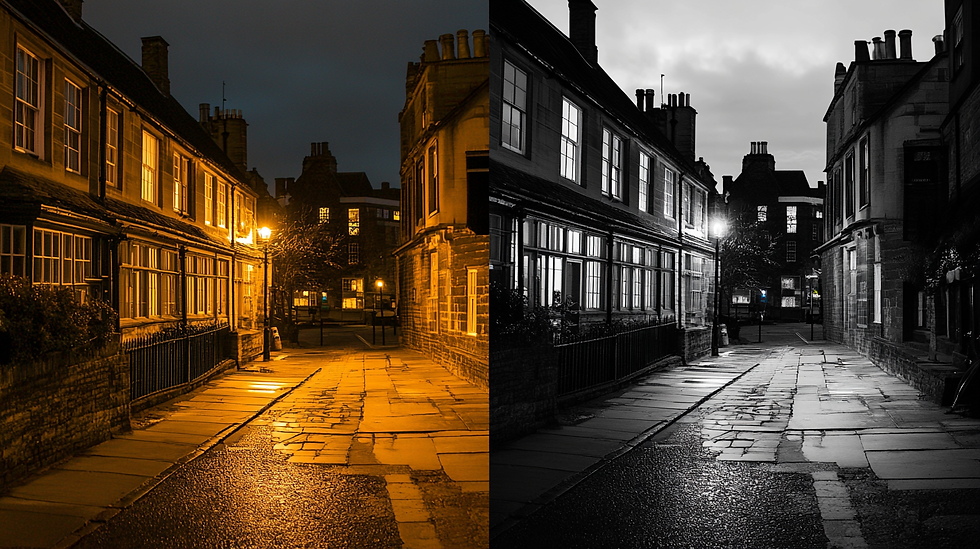
NIGHT MODE: MAGIC OR MATHS?
Ten years ago, taking photos in low light meant grainy, dark, unusable images. Now you can photograph a candlelit dinner at the Duchess of Cornwall and it looks like you had studio lighting. What changed? AI.
HOW NIGHT MODE WORKS:
When you press the button in low light, your phone doesn't take one photo. It takes dozens. Sometimes 50+.
Each is slightly different because your hand is never perfectly still.
The AI analyses all of them and combines the sharpest, brightest parts.
It then uses machine learning to "fill in" detail that wasn't actually visible to the camera sensor.
The result: A bright, clear photo in conditions that would have been impossible 5 years ago.
THE THROUGH YOUR LENS CONNECTION
This is why the Community Association's photography competition specs matter. Remember: JPEG format, up to 6MB file size, Portrait, Landscape or Square. Your phone is already doing massive amounts of AI processing before saving the JPEG.
When you take a photo, your phone is making hundreds of tiny decisions:
How much to sharpen
How much to saturate colours
How much to brighten shadows
Whether to blur the background
How to handle skin tones
Whether to remove blemishes
All of this happens automatically. The "natural" photo you think you took is actually the result of sophisticated AI deciding what looks good.
David Kingman (who's organising Through Your Lens) knows this. That's why the competition accepts JPEGs straight from your phone. The AI processing isn't cheating. It's just how modern photography works.
HOW TO USE YOUR PHONE'S AI BETTER
Now that you know the AI is there, work with it instead of against it.
TIP 1: HOLD STILL FOR AN EXTRA SECOND
The AI combines multiple photos. If you move the instant you press the button, you'll get blur.
Press the button as usual. Count to one. Then lower the phone.
That extra second lets the AI finish its work.
TIP 2: TAP WHERE YOU WANT FOCUS
Before pressing the button, tap on the part of the image you want to be sharp.
This tells the AI: "This is the subject. Make THIS clear and blur everything else."
Example: Photographing flowers at Great Field. Tap the flower. The AI will focus there and blur the background.
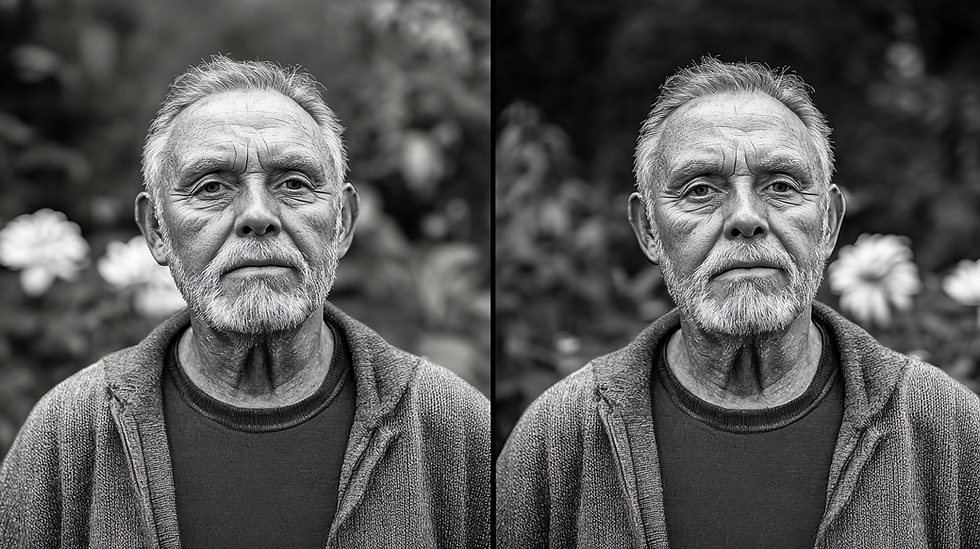
TIP 3: USE PORTRAIT MODE FOR PEOPLE
If you're photographing a person, use Portrait mode (or whatever your phone calls it).
The AI will automatically detect the face, ensure it's sharp and well-lit, and blur the background.
Makes amateur photos look professional.
TIP 4: LET NIGHT MODE DO ITS THING
If your phone suggests Night mode (usually when it's dark), hold still for the 2-3 seconds it asks for.
Don't move. Don't breathe.
The AI is taking dozens of photos and needs you to stay put.
The result is worth the patience.
TIP 5: DON'T ZOOM (USE YOUR FEET)
When you pinch to zoom on your phone, you're not using a lens zoom. You're using digital zoom.
Digital zoom = the AI guessing what detail should be there and filling it in.
This makes photos grainy and soft.
Instead: Walk closer to your subject if possible.
Physical proximity beats AI guessing every time.
WHAT THE AI CAN'T FIX
Your phone's AI is clever but not magic. It can't fix:
BAD COMPOSITION: If you cut off someone's head or put the horizon in the middle, the AI can't rearrange the elements, the composition is still up to you.
UNFLATTERING ANGLES: The AI can blur backgrounds and adjust lighting, but it can't change the angle you shot from. If you photograph someone from below (looking up), they'll still look unflattering even with perfect AI processing.
MOTION BLUR FROM MOVING SUBJECTS: The AI can remove shake from your hand. It can't freeze a running child or a moving car. Fast movement still needs good light or fast shutter speed.
CREATIVE INTENT: The AI doesn't know what you're trying to capture or why. It makes assumptions based on what usually works. Sometimes you want something different. Learn when to trust the AI and when to override it.

EDITING: THE NEXT LEVEL OF AI
Once you've taken the photo, your phone offers editing tools. These used to be manual sliders (brightness, contrast, saturation). Now they're increasingly AI-powered.
IPHONE PHOTO EDITING:
Open Photos app
Tap a photo
Tap Edit
The AI suggests adjustments
Tap the magic wand icon and the AI will auto-adjust everything based on what it thinks looks good. Usually it gets it 80% right. You can fine-tune from there.
GOOGLE PHOTOS EDITING:
Open Google Photos
Tap a photo
Tap Edit
Tap Suggestions
The AI will offer:
Enhance (overall improvement)
Colour pop (make colours vibrant)
Dynamic (adjust contrast and tone)
One tap. Done.
THE POUNDBURY PHOTOGRAPHY ANGLE
If you're thinking about entering Through Your Lens, understanding your phone's AI helps.
YOU DON'T NEED AN EXPENSIVE CAMERA
Modern phone cameras + AI processing often produce better results than older DSLRs without AI.
The AI in your 2024+ iPhone or Android phone is doing work that used to require £1000+ in camera equipment.
FOCUS ON COMPOSITION AND TIMING
Since the AI handles technical stuff (exposure, focus, colour), you can focus on:
What makes a good photo?
What angle tells the story?
What moment captures Poundbury's character?
SHOOT IN GOOD LIGHT
The AI can do a lot in low light, but it works best with decent natural light. Golden hour (hour after sunrise or before sunset) still produces the most beautiful photos. The AI enhances good light. It can't create it from nothing.
TRUST THE AI BUT CHECK THE RESULT
Your phone's AI is trained on millions of photos and usually makes good decisions. But check the photo before walking away. If something looks wrong (weird blur, oversaturated colours), take another one.
FUTURE OF PHONE PHOTOGRAPHY
This is just the beginning. AI photography is getting more sophisticated every year:
COMING SOON (ALREADY IN SOME PHONES):
Object removal: Point at a person in the background. The AI removes them and fills in what should be there.
Sky replacement: Don't like the grey sky? The AI will replace it with blue sky and adjust lighting to match.
Expression editing: Don't like your smile in a photo? The AI can adjust it to a different expression from other photos it has of you.
Scene generation: Describe a photo ("me standing in front of the Eiffel Tower") and the AI will create it convincingly even if you've never been there.
THE BOTTOM LINE
Every photo you take with a modern phone is already AI-enhanced.
You didn't take a photo. You and the AI collaborated to create an image.
The AI handles technical complexity. You handle creative intent.
This is why phone photography has become so accessible. You don't need to understand exposure, aperture, shutter speed, or ISO.
You just need to point at something interesting and let the AI handle the rest.
Sarah now understands this. She's not a worse photographer for letting the AI help. She's a better photographer because she knows WHAT the AI is doing and works with it intentionally.
"I still take the photo," she says. "The AI just makes it look like I meant to."
Why not give it a try and enter the Love Poundbury 'Through Your Lens' Photography competition?

GOT A QUESTION?
Want to know which phone camera features to use for the Through Your Lens competition? Confused about Portrait mode? Not sure how to edit photos without ruining them?
NEXT WEEK: What to Believe in AI News - separating hype from reality